
Access Journal Full
Review more of the access apps hold on your Mac, and turn off supported permissions after you confirm.
Version 1.0 | Apple silicon | macOS 13 or later | Requires Full Disk Access
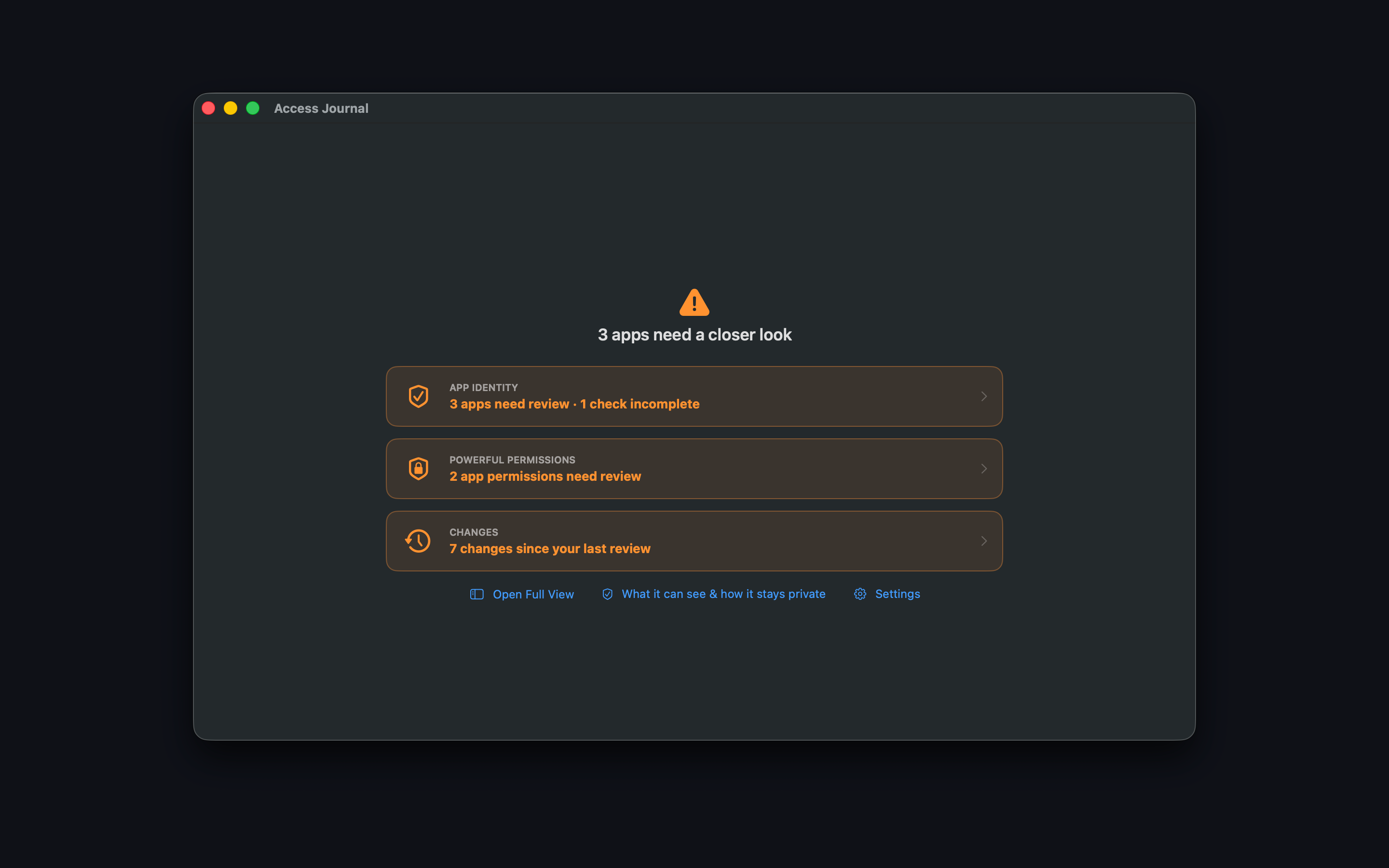
Broader coverage
One place to review more app permissions
Full can read user and system permission records that the App Store sandbox cannot, plus Location and Notifications records available on your Mac.
More permission categories
Review Camera, Microphone, Photos, Contacts, Calendars, Location, Notifications, files and folders, and powerful system access.
Confirmed changes
Disable supported permissions from the app only after you choose the action and confirm it. Other categories open the correct System Settings page.
App identity and history
See identity warning signs, recognize apps you know, record notes, and review permission changes over time.
Why Full Disk Access? macOS stores permission records in protected databases. Access Journal Full uses Full Disk Access to read those records, not to inspect the contents of your personal files.
Software updates
Update from inside the app
Choose Check for Updates at any time. Automatic checks are off by default and can be enabled in Settings.
- Updates are cryptographically signed and verified before installation.
- Automatic checks run about once a day only after you enable them.
- Updates are never installed silently; you choose when to install.
- The app and disk image are Developer ID-signed and notarized by Apple for direct distribution.
Privacy
Your permission details stay on your Mac
Access Journal Full has no accounts, analytics, advertising, or tracking.
- Permission data, app information, notes, and review history are stored only on your Mac.
- The app connects only when you request an update check or enable automatic checks.
- Update requests do not include permission data. As with any web request, the hosting services receive ordinary connection information such as an IP address.
- You can turn automatic checks off at any time in Settings.