App Identity
Surface apps from developers macOS cannot identify and apps with broken signatures. These are warning signs, not malware verdicts.
See which apps have identity warning signs and which hold powerful access to your Mac.
Private | No accounts | No tracking | macOS 13 or later
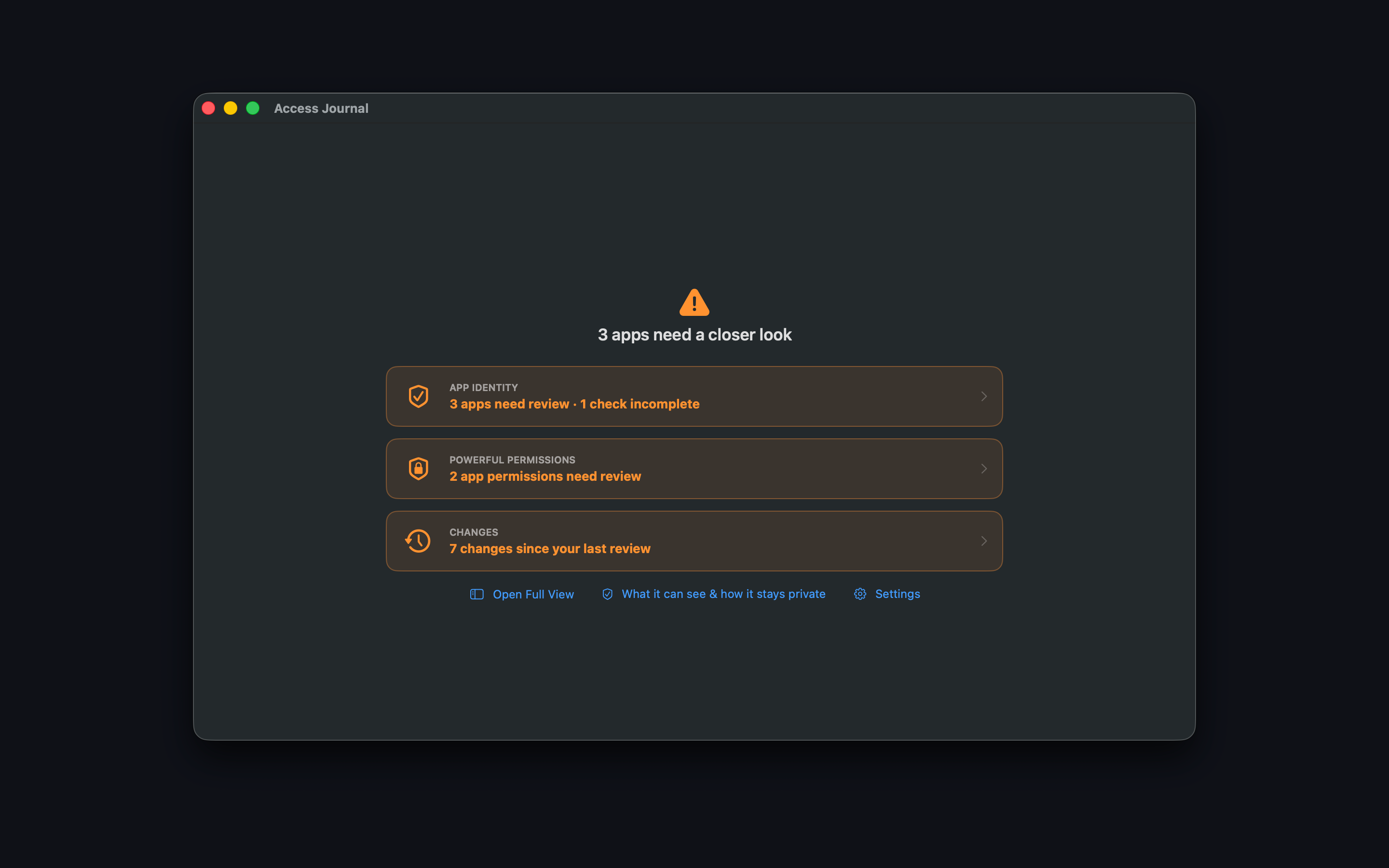
A clearer security review
Access Journal brings app identity, powerful permissions, and recent changes into one private workspace.
Surface apps from developers macOS cannot identify and apps with broken signatures. These are warning signs, not malware verdicts.
Review which apps can control the interface, record the screen, monitor input, or read protected files.
See permissions added, changed, or removed since your last review, then record what you expect.
Downloads
Both editions keep permission details and your notes on your Mac. The Full edition can see more permission categories and turn off supported access after you confirm.
App Identity, powerful system permissions, change tracking, private notes, and guided links to System Settings.
Broader permission coverage, confirmed in-app permission changes where macOS supports them, and signed updates. Requires Full Disk Access.
Private by design
Permission details, app information, notes, and review history stay on your Mac in both editions.